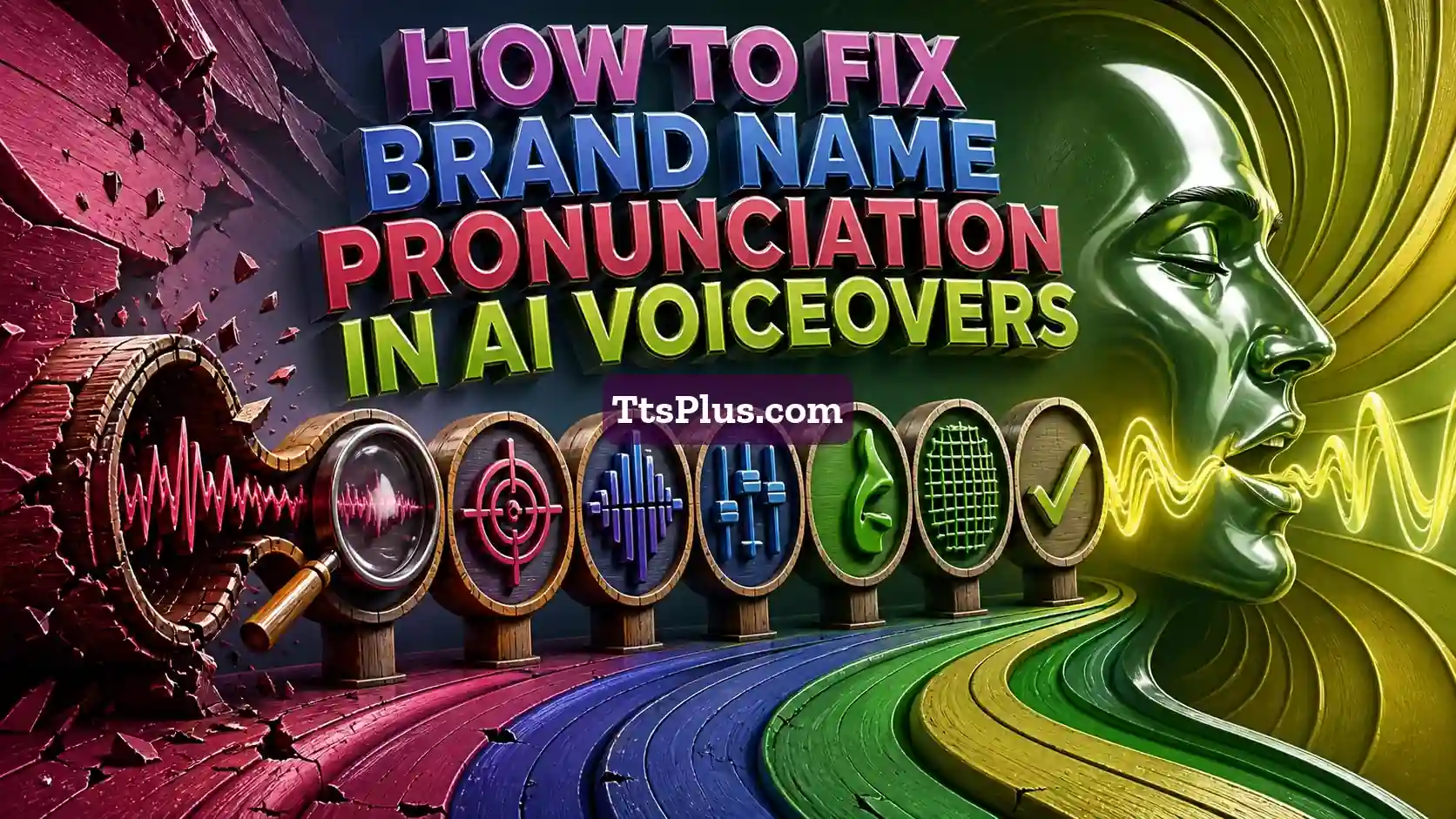
Fix tts brand pronunciation with a step-by-step diagnosis covering script cleanup, pronunciation, punctuation, voice settings and final quality checks. Judge “How to Fix Brand Name Pronunciation in AI Voiceovers” by listening to a representative result rather than counting feature names. “How to Fix Brand Name Pronunciation in AI Voiceovers” is written for everyday users rather than developers, focusing on the script, voice, pronunciation, pacing, download quality, privacy and publishing choices that shape the final audio. To test the ideas in “How to Fix Brand Name Pronunciation in AI Voiceovers”, paste a short sample into TtsPlus, choose an appropriate voice, preview it and correct the smallest audible problem before scaling up.
Identify the exact problem first
Tts brand pronunciation is easiest to understand by starting with the real task rather than the label. Most TTS problems become easier when you isolate one sentence and one variable. Randomly changing several controls can hide the real cause and make consistency worse. The practical “How to Fix Brand Name Pronunciation in AI Voiceovers” question is whether the audio sounds clear, natural and appropriate for its actual job.
For tts brand pronunciation, focus on the practical outcome instead of collecting labels: who will hear the result, how long it needs to be, whether you need a download, and which pronunciation or style controls actually improve the audio.
Fix the script before changing the model
Natural delivery in “How to Fix Brand Name Pronunciation in AI Voiceovers” needs readable sentence boundaries, purposeful pauses and energy that fits the subject. Extreme controls may impress for a few seconds but become tiring across the full corrected clip; test moderate settings in the same device and volume used for the original failed sample.
For “How to Fix Brand Name Pronunciation in AI Voiceovers”, copy the smallest sentence that reproduces the “Fix the script before changing the model” problem into a fresh test. Remove unusual formatting and compare two controlled changes, then apply the successful fix to the full script and verify it using the device and volume used when the problem appeared.
Direct fix for tts brand pronunciation
In “How to Fix Brand Name Pronunciation in AI Voiceovers”, put the difficult name in a sentence by itself for the “Direct fix for tts brand pronunciation” test and try a readable phonetic spelling. If the name repeats, save the successful pronunciation as a rule rather than changing the master script in several different ways.
After the small test works, paste it back into the surrounding paragraph and listen again. Context can change rhythm, so the final check for tts brand pronunciation should happen inside the real script, not only in an isolated test box.
Pronunciation, punctuation and text cleanup
A reliable workflow for tts brand pronunciation is simple: prepare a short script, choose one appropriate voice, generate a test, correct pronunciation or pacing, then produce the longer version in manageable sections. After the “How to Fix Brand Name Pronunciation in AI Voiceovers” result passes review, download the accepted audio and keep its source script beside it for future revisions.
When testing tts brand pronunciation, avoid changing voice, speed, expression and punctuation at the same time. During “How to Fix Brand Name Pronunciation in AI Voiceovers”, moving several controls at once makes it impossible to identify which edit improved the result. Small controlled tests make tts brand pronunciation more repeatable and save time on longer projects.
- In a real tts brand pronunciation test, start with one difficult sentence tested after changing a single variable so realistic problems appear while revisions are still inexpensive.
- Before approving the “How to Fix Brand Name Pronunciation in AI Voiceovers” result, compare every revision at equal volume and score it for repeatability, pronunciation accuracy and error isolation.
- When checking “How to Fix Brand Name Pronunciation in AI Voiceovers” on the destination device, confirm that the accepted version remains clear in the same device and volume used for the original failed sample.
- For a repeatable tts brand pronunciation comparison, change one identifiable cause at a time and compare it with the saved baseline.
- While refining “How to Fix Brand Name Pronunciation in AI Voiceovers”, download and test the corrected clip in its real destination before marking the project complete.
Change one voice setting at a time
For “How to Fix Brand Name Pronunciation in AI Voiceovers”, choose the voice for the intended listener and purpose rather than for novelty alone. For tts brand pronunciation, a voice that is easy to understand usually beats one that is merely unusual. Start “How to Fix Brand Name Pronunciation in AI Voiceovers” near a natural speaking rate, add expression only where meaning needs it, and normalize volume before mixing other audio.
In “How to Fix Brand Name Pronunciation in AI Voiceovers”, believable speech depends more on consistency and intelligibility than on a dramatic demo. During “Change one voice setting at a time”, review clear wording, sensible pauses and controlled emphasis; when several files must match, save a reference clip and reuse the approved settings.
Test the smallest difficult sentence
Write for the ear. Prepare “How to Fix Brand Name Pronunciation in AI Voiceovers” by shortening dense sentences, removing visual-only formatting, expanding ambiguous abbreviations and marking natural breaths with punctuation. If a “How to Fix Brand Name Pronunciation in AI Voiceovers” listener must untangle the sentence, a more realistic voice will not repair the underlying writing. This is especially important for tts brand pronunciation because a clean source makes pronunciation and timing easier to diagnose.
For tts brand pronunciation, if a difficult name, number or phrase appears repeatedly, solve it once and reuse the correction. When “How to Fix Brand Name Pronunciation in AI Voiceovers” contains a stubborn name or term, use readable spelling or a saved TtsPlus pronunciation rule instead of repeatedly rewriting the full sentence.
Common fixes that make things worse
Common mistakes with tts brand pronunciation include generating too much text before testing, choosing a voice only from a short demo, overusing emotional cues, ignoring pronunciation errors and assuming the first export is final. Do not create a separate “How to Fix Brand Name Pronunciation in AI Voiceovers” process for every search phrase when the listener, input and required output are actually the same.
For tts brand pronunciation, do not try to fix robotic speech by adding random commas everywhere or by pushing every slider to an extreme. In “How to Fix Brand Name Pronunciation in AI Voiceovers”, excessive pauses and emotion can be as distracting as flat delivery, so keep every cue tied to meaning.
A repeatable troubleshooting sequence
Tts brand pronunciation can fit personal listening, creator workflows, education, narration, accessibility or business content depending on the subject. “How to Fix Brand Name Pronunciation in AI Voiceovers” is most useful when scripts change frequently, delivery must stay consistent, or recording every revision would slow the project.
When tts brand pronunciation will be used in public content, review the final audio in the same way you would review a human recording. Check facts, names, tone and context. Faster production for “How to Fix Brand Name Pronunciation in AI Voiceovers” does not excuse inaccurate wording, misleading claims or weak editorial review.
Final quality-control checklist
Before submitting private, confidential or regulated material for “How to Fix Brand Name Pronunciation in AI Voiceovers”, decide whether an online workflow is appropriate at all. For “How to Fix Brand Name Pronunciation in AI Voiceovers”, submit only necessary information, review the privacy terms and retain controlled copies of important source and output files. These checks apply to tts brand pronunciation just as they do to any other AI voice workflow.
Listen to the complete “How to Fix Brand Name Pronunciation in AI Voiceovers” result from the first word to the last. Check names, dates, numbers, transitions and sentence endings, then replay it using the device and volume used when the problem appeared. This final “Final quality-control checklist” review should confirm repeatability, pronunciation accuracy and error isolation rather than only whether the file technically plays.
Quick takeaways
- For “How to Fix Brand Name Pronunciation in AI Voiceovers”, begin with one difficult sentence tested after changing a single variable and preserve it as the baseline.
- For the final “How to Fix Brand Name Pronunciation in AI Voiceovers” version, keep the source text and playback volume unchanged while comparing repeatability, pronunciation accuracy and error isolation.
- As you apply “How to Fix Brand Name Pronunciation in AI Voiceovers”, record the exact edit that solved the audible problem before moving to the next section.
- Within the “How to Fix Brand Name Pronunciation in AI Voiceovers” workflow, keep the approved settings and a reference clip with the completed corrected clip.
- For “How to Fix Brand Name Pronunciation in AI Voiceovers”, confirm consent, licensing, disclosure and platform requirements before the corrected clip goes public.
Common questions
What should you test first for tts brand pronunciation?
Use the smallest sentence that reproduces the problem and keep the source text unchanged for the first comparison. Listen for repeatability, pronunciation accuracy and error isolation, correct one clearly identified problem, and save the accepted settings before producing the full version described in “How to Fix Brand Name Pronunciation in AI Voiceovers”.
What should you change first when How to Fix Brand Name Pronunciation in AI Voiceovers sounds wrong?
Isolate the smallest sentence that contains the problem. Clean the text and test punctuation or pronunciation before switching everything else. Change one setting at a time so you know what actually fixed the issue. For “How to Fix Brand Name Pronunciation in AI Voiceovers”, keep the smallest sentence that reproduced the fault and the edit that fixed it before accepting the final result.
How do you make tts brand pronunciation sound more natural?
For “How to Fix Brand Name Pronunciation in AI Voiceovers”, edit the script for spoken delivery, choose a voice for the intended audience and keep the first test near a normal speaking rate. Use punctuation and expression deliberately, then compare one change at a time using the device and volume used when the problem appeared. In “How to Fix Brand Name Pronunciation in AI Voiceovers”, several measured corrections usually sound more believable than one extreme setting.
Should tts brand pronunciation be generated in one long file or in sections?
For a substantial “How to Fix Brand Name Pronunciation in AI Voiceovers” project, work in sections so individual passages are easier to review, replace and keep consistent. Preserve a reference clip and the approved settings, then join the checked sections only after they have been tested for repeatability, pronunciation accuracy and error isolation.
Turn your text into natural speech with TtsPlus
Paste a script, choose a voice, adjust expression and download the result from the studio.